
Download AnyVid Video Downloader – Fast, Free, Secure 4K Video Downloader
AnyVid Video Downloader, developed by AmoyShare, is a powerful multi‑platform video downloader designed for desktop and smart devices. Whether you’re a casual viewer who wants to save a favorite music video, a student collecting educational clips, or a content creator needing offline copies of tutorials, AnyVid offers a streamlined way to capture videos from more than 1,000 streaming sources. The software supports resolutions from standard HD up to crystal‑clear 4K, giving you the flexibility to choose the best quality for your storage capacity and playback needs.
In addition to downloading, AnyVid includes built‑in conversion tools that let you transform videos into popular formats such as MP4, AVI, MOV, and even audio‑only files like MP3. The program is available under three licensing tiers—Personal, Family, and Business—each with its own set of limits on simultaneous downloads and batch processing. New users can explore a free trial that unlocks the core functionality without any hidden fees.
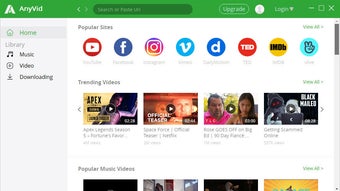
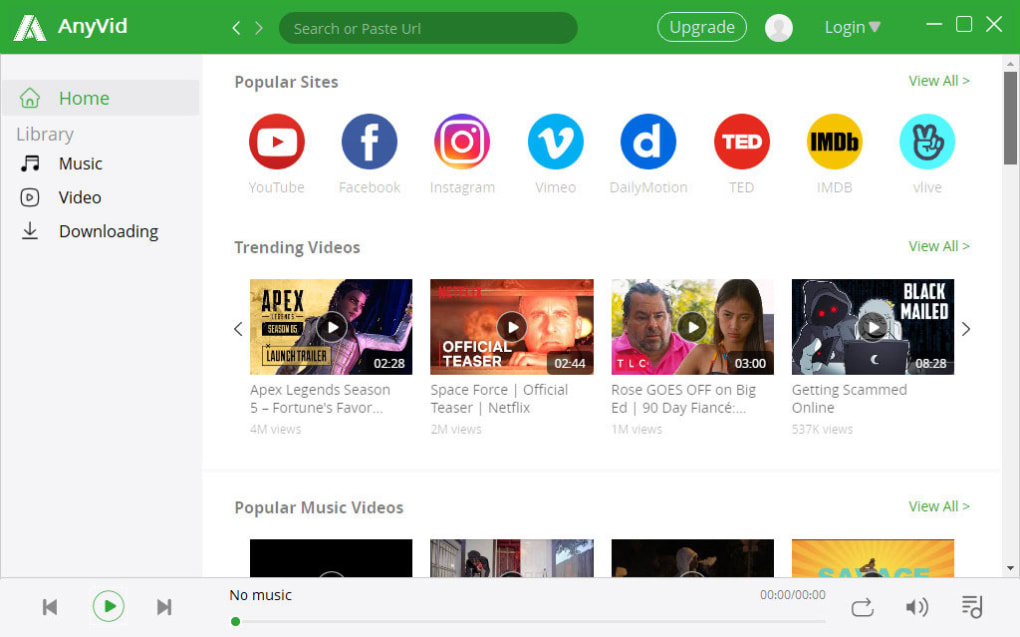
While the interface is clean and intuitive, the lack of an advanced filtering system means that finding specific videos among the massive list of sources may require a few extra clicks. Overall, AnyVid Video Downloader stands out as a reliable, secure, and feature‑rich solution for anyone looking to download, convert, and organize online video content in one convenient application.
Key Features of AnyVid Video Downloader
- Supports over 1,000 streaming platforms, including YouTube, Vimeo, Dailymotion, Twitch, and niche anime sites.
- Resolution options from 480p up to 4K Ultra HD, with adjustable audio bitrate for optimal file size.
- Batch downloading capability lets you queue multiple videos and start them simultaneously.
- Built‑in file manager for easy organization, preview, and deletion of downloaded media.
- Integrated conversion engine that outputs to MP4, AVI, MOV, WMV, FLV, MP3, AAC, and more.
- Cross‑platform compatibility: native Windows, macOS, Android, and iOS clients.
- Secure SSL‑encrypted connections protect your download URLs and personal data.
- Free trial with no watermark, giving you a risk‑free chance to test all core features.
- Three licensing plans (Personal, Family, Business) with scalable pricing and support options.
- Automatic update notifications keep the software current with the latest streaming site changes.
Installation & Usage Guide for Windows, macOS, Android & iOS
Installing AnyVid Video Downloader is straightforward, regardless of your operating system. For Windows users, download the .exe installer from the official AnyVid website, run the file, and follow the on‑screen wizard—accept the license agreement, choose an installation folder (the default works for most), and click “Install.” macOS users receive a .dmg package; simply drag the AnyVid icon into the Applications folder, then launch the app from Launchpad. Mobile users on Android can obtain the APK directly from AnyVid’s download page (the app is not listed on Google Play due to policy restrictions), enable “Install from unknown sources,” and tap the APK to begin installation. iOS users benefit from a dedicated App Store version; just search “AnyVid Video Downloader,” tap “Get,” and authenticate with Face ID or Touch ID.
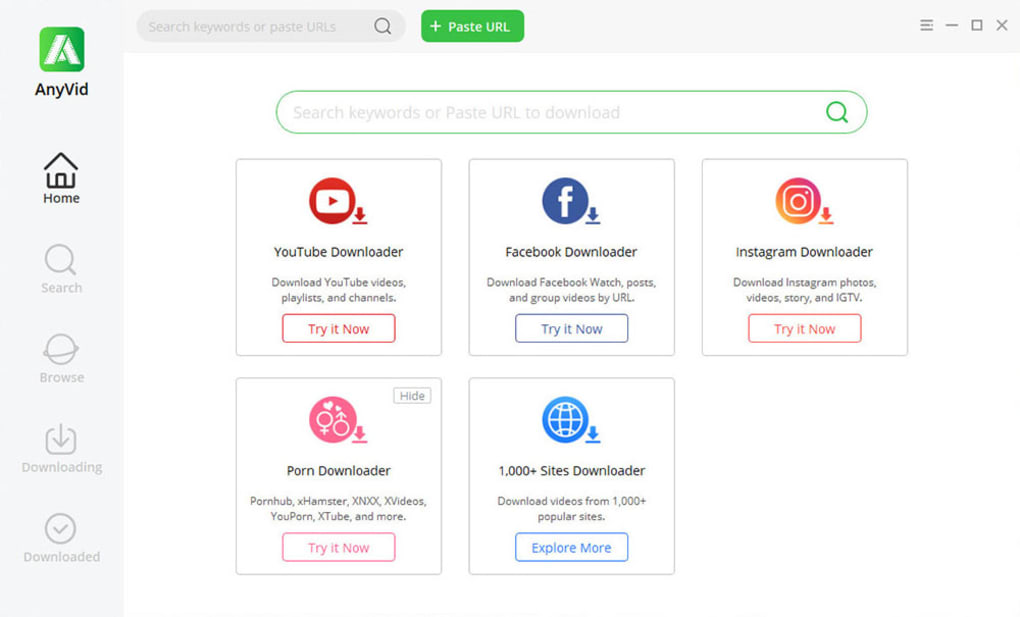
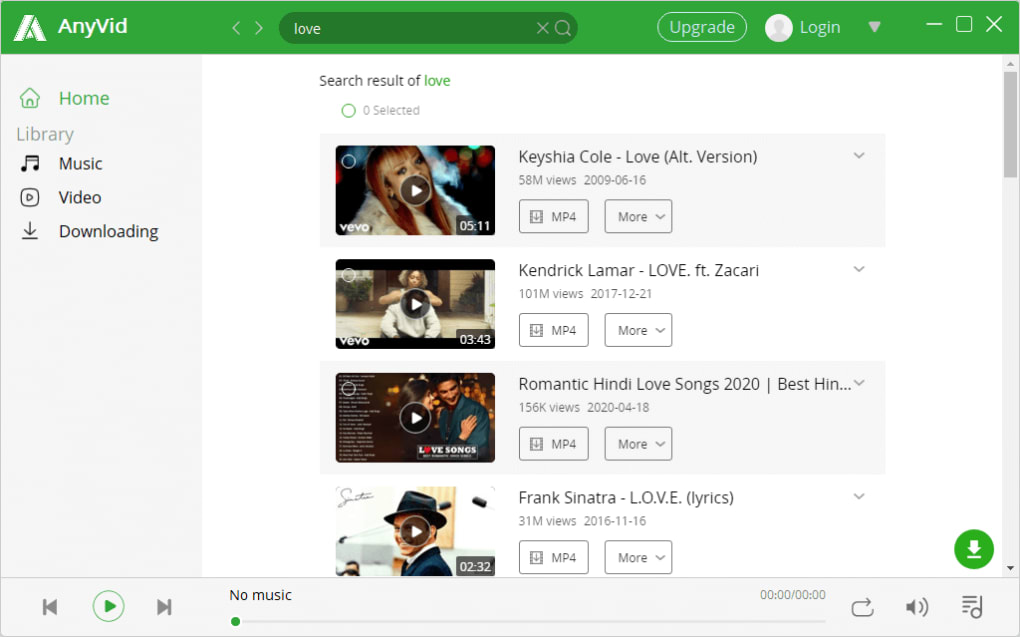
Once installed, the first‑time launch presents a clean dashboard with a prominent search bar. To download a video, you have three options: paste a URL, type a keyword, or use the built‑in browser to navigate directly to the streaming site. After submitting, AnyVid scans the page and returns a list of available video streams, each labeled with resolution, file size, and audio bitrate.
Select your preferred settings, then click the “Download” button. For batch operations, click the “+ Queue” icon to add additional URLs to the download list; the program will process them sequentially or concurrently based on your license tier. After the download finishes, the file appears in the internal manager where you can preview, rename, move, or convert it.
To convert, select the video, choose “Convert,” pick the target format (e.g., MP3 for audio‑only), and confirm. The conversion runs in the background, allowing you to continue downloading other clips. Throughout the process, AnyVid displays real‑time progress bars, estimated completion times, and bandwidth usage, ensuring you stay informed about each task.
The software also supports automatic updates. When a new version is released, a discreet notification appears in the upper‑right corner. Clicking “Update” downloads the patch and restarts the application, preserving your settings and download queue. If you encounter any issues, the built‑in Help Center offers step‑by‑step tutorials, and live chat support is available for paid license holders.
Compatibility, Pros & Cons
AnyVid Video Downloader is truly cross‑platform. The Windows client supports Windows 10 and later (both 64‑bit and 32‑bit builds). macOS users can run the app on macOS 10.14 Mojave and newer, including the latest Ventura releases. On mobile, the Android version works on Android 6.0 Marshmallow and above, while the iOS app requires iOS 12 or later. This broad compatibility ensures that whether you’re on a desktop workstation, a MacBook, a tablet, or a smartphone, you can access the same download engine and feature set without compromise.
Pros
- Extensive source library covering virtually every mainstream and niche streaming site.
- High‑resolution downloads up to 4K, with customizable audio bitrate.
- Batch downloading and queue management save time for power users.
- Built‑in conversion eliminates the need for third‑party tools.
- Secure SSL connections protect privacy and prevent throttling.
- Free trial provides full feature access without watermarks.
- Regular automatic updates keep compatibility with ever‑changing streaming platforms.
- Clear, uncluttered UI suitable for beginners and advanced users alike.
Cons
- No advanced filtering or tag‑based search, which can make locating specific videos slower.
- Mobile Android version requires side‑loading (APK) because it is not on Google Play.
- Free trial is limited to 5 simultaneous downloads; higher‑volume users must upgrade.
- Conversion speed depends on CPU performance; older machines may experience slower processing.
- Business plan pricing is higher than some competitors, though it includes premium support.
Frequently Asked Questions
Is AnyVid Video Downloader legal to use?
AnyVid provides the tools to download publicly available video streams for personal, non‑commercial use. Legality depends on the source platform’s terms of service and local copyright laws. Always respect the rights of content creators and use the software responsibly.
Can I download videos from subscription‑only services like Netflix or Disney+?
AnyVid is designed to work with freely accessible streaming sites. Encrypted, DRM‑protected streams from services such as Netflix, Disney+, or Hulu are not supported, as bypassing DRM is illegal in many jurisdictions.
What file formats can I convert downloaded videos into?
The built‑in converter supports MP4, AVI, MOV, WMV, FLV for video files, and MP3, AAC, WAV for audio‑only extraction. Additional formats may be added in future updates based on user demand.
How does the free trial differ from the paid versions?
The free trial provides full access to all features for 7 days, with a limit of five concurrent downloads and no watermark on the saved files. Paid plans remove these restrictions, add higher‑speed batch processing, and include priority customer support.
Is there a way to schedule downloads for later?
Yes, AnyVid includes a scheduling module in the Business and Family plans. You can set a specific date and time for each queued video, allowing downloads to run overnight or during low‑bandwidth periods.
Conclusion & Call to Action
AnyVid Video Downloader delivers a comprehensive, cross‑platform solution for anyone who needs to capture online video content quickly and securely. Its support for over 1,000 sources, 4K resolution, batch processing, and built‑in conversion makes it a standout choice among competitors like Total Video Downloader and 4K Video Downloader. While the lack of advanced filtering may be a minor inconvenience for power users, the clean interface and reliable performance more than compensate. Whether you’re a student, a marketer, or a casual viewer, AnyVid’s free trial gives you ample opportunity to evaluate its capabilities before committing to a Personal, Family, or Business plan.
Ready to start building your offline video library? Download AnyVid Video Downloader now and experience fast, secure, and high‑quality video downloads on any device. Upgrade to a paid plan for unlimited batch downloads, priority support, and the peace of mind that comes with regular software updates.
AnyVid Video Downloader impresses with its extensive source list, 4K support, and intuitive UI. The batch download and conversion features are especially useful for power users. The only drawback is the missing advanced filter, which would streamline searches across the massive source library. Overall, a solid 4.5‑star rating.
Pros
- Broad platform support
- High‑resolution downloads
- Batch processing
- Built‑in conversion
- Secure SSL connections
Cons
- No advanced search filter
- Android APK not on Google Play
- Higher price for Business plan







